Biometric Verification Problem – How to Handle SIM Fingerprint Failure
A failed fingerprint check can stop SIM activation, replacement, ownership change or disowning. Learn what you can safely check, when the operator may refer you to NADRA, and why biometric bypass methods should never be used.
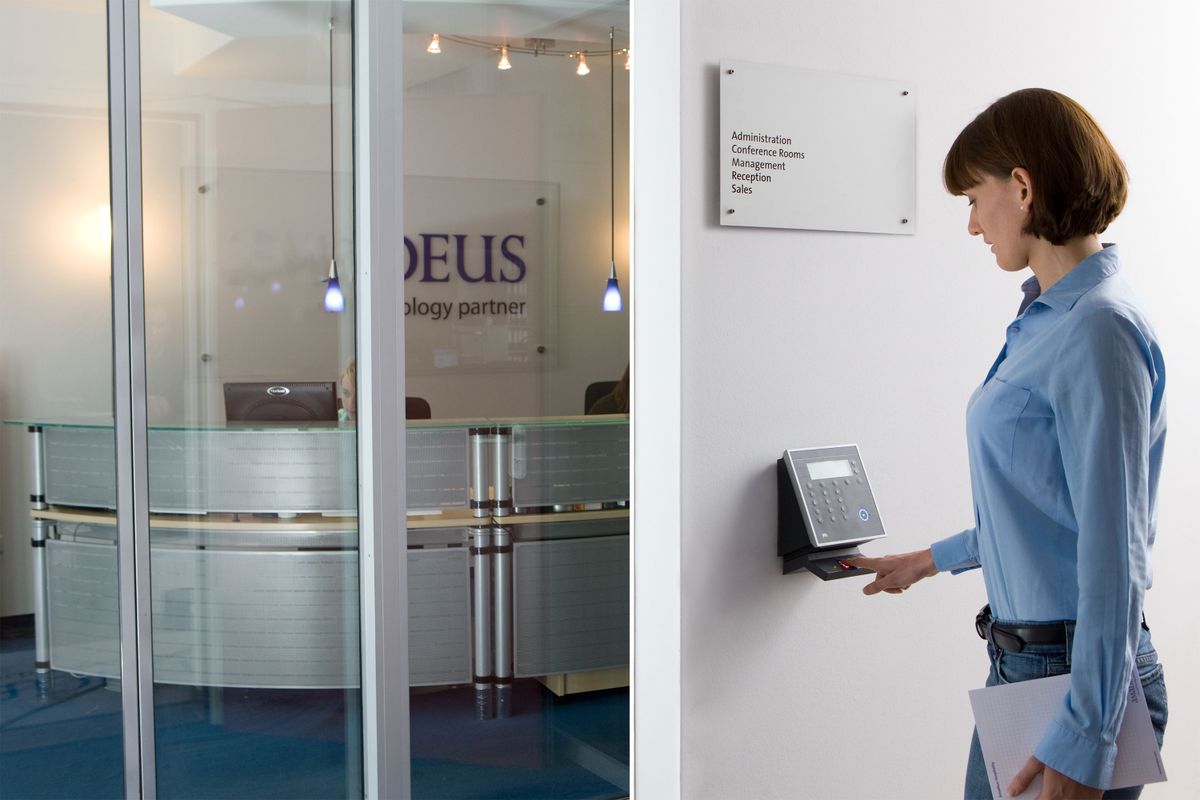
- What biometric verification means for SIM services
- Common reasons a fingerprint check may fail
- Prepare before retrying
- Check your CNIC status
- If the operator says NADRA verification failed
- NADRA options for identity-related issues
- Do not bypass biometric verification
- Protect your fingerprints and identity information
- What if the same fingerprint fails repeatedly?
- Biometric problem during SIM replacement
- Biometric problem during ownership change
- Biometric problem during disowning
- When to use PTA complaint support
- Quick troubleshooting checklist
What biometric verification means for SIM services
Biometric verification is used to confirm the identity of the person performing certain SIM transactions. Operator terms describe biometric verification for activation and related transactions such as duplicate SIM issuance, ownership changes and disowning. If the verification fails, the correct response is to understand the official reason and follow the required route.
Common reasons a fingerprint check may fail
A failed attempt does not automatically mean that your identity record is wrong. Capture conditions, the device, the biometric record and the transaction itself can affect the result. The operator or verification system is responsible for determining the actual cause. Avoid assuming that a failed scan proves fraud or that repeated attempts will solve every problem.
Prepare before retrying
Use a clean, dry hand and follow the operator agent’s legitimate instructions for positioning the finger. Bring the required original identity document and make sure the transaction details are correct. If the operator says the verification system is unavailable, ask whether you should return later instead of repeatedly submitting fingerprints.
Check your CNIC status
Identity-document validity can matter for verification-based mobile services. NADRA’s official renewal guidance explains how citizens can renew CNICs through the PakID app or a NADRA Registration Centre. If your CNIC is expired or your identity details need correction, resolve that issue through NADRA before expecting every verification-dependent service to work normally.
If the operator says NADRA verification failed
Zong and Ufone terms state that when a customer’s thumb/finger impression is not verified through NADRA, the operator communicates the reason and the customer may need to contact NADRA for further support. This is a useful distinction: the operator can initiate the telecom transaction, while NADRA handles the underlying identity/biometric record.
NADRA options for identity-related issues
Use NADRA’s official website to find current services. NADRA currently documents CNIC renewal through the PakID app and Registration Centres, and it also provides biometric and identity-document services. Follow the current official requirements rather than relying on old social-media posts.
Do not bypass biometric verification
Do not use fake fingerprints, silicone copies, “BVS bypass” services, another person’s thumb impression or unofficial agents offering to activate a SIM without the required verification. PTA NTCERT and NADRA security guidance warn about misuse of biometric data and illegal SIM issuance. A shortcut can create a larger identity-security problem.
Protect your fingerprints and identity information
Only provide biometric information for a legitimate transaction at an authorized channel. Be cautious when someone asks for fingerprints for a free SIM, survey, prize or unrelated service. NTCERT specifically publishes awareness material telling users to be vigilant when providing fingerprints for a new SIM.
What if the same fingerprint fails repeatedly?
Ask the operator whether the failure is a capture issue, a verification response or an identity-document issue. Request the official next step. If NADRA support is required, use NADRA’s official channel. Do not keep changing agents in the hope that one will ignore a failed verification.
Biometric problem during SIM replacement
If you are replacing a lost or damaged SIM and the biometric step fails, do not let the replacement be processed under another person’s CNIC. Keep the number secure and ask the operator what official verification path applies to the registered customer.
Biometric problem during ownership change
Ownership changes are identity-sensitive transactions. The operator may require both parties or specific documentation depending on the transaction. Follow the current operator procedure and complete the required biometric checks. Do not treat MNP/porting as a substitute for ownership transfer.
Biometric problem during disowning
Disowning can also require biometric verification. If the registered customer cannot complete the check, ask the operator what documentation or NADRA route applies. Keep any complaint/reference number and do not use an unofficial intermediary.
When to use PTA complaint support
If the operator does not resolve a legitimate telecom transaction after you have followed its process, keep the case details and use the PTA Complaint Management System. The CMS is designed for telecom consumers to register and track complaints.
Quick troubleshooting checklist
Confirm the CNIC is valid; use an authorized operator location; follow the capture instructions; ask for the exact verification response; use NADRA support when directed; never bypass BVS; protect biometric and OTP data; keep transaction evidence; and escalate through official channels if necessary.
Practical step-by-step workflow
Identify the exact problem
Write down whether the issue is an unexpected registration, an unused number, a lost or damaged SIM, a failed biometric check, an ownership question or an expired identity document. A precise description helps the operator choose the correct transaction.
Check your own records
Use the official SIM Information System for your own CNIC when a registration check is relevant. Compare the result with the connections you actually recognize instead of relying on memory alone.
Use the correct official channel
Go to the relevant operator app, customer-care route, authorized franchise or service centre. Avoid third parties that promise shortcuts, private data or bypasses.
Complete identity checks
Where biometric verification is required, use the registered customer’s legitimate identity and follow the operator’s current instructions. If NADRA support is required, use NADRA’s official service route.
Keep evidence
Save receipts, complaint numbers, dates and official confirmations. Keep screenshots private and remove unnecessary CNIC, OTP or account information before sharing documents.
Escalate if unresolved
Use the operator complaint route first. If the telecom issue remains unresolved, retain the case/reference details and use PTA’s official Complaint Management System.
Common mistakes to avoid
- Assuming non-use means closure: an old number can remain associated with a registration until the formal operator process is completed.
- Using another person’s identity: do not use another person’s CNIC or biometric data to activate, replace, transfer or close a SIM.
- Sharing sensitive information: never post your full CNIC, OTP, PIN, fingerprint information or account credentials publicly.
- Trusting unofficial databases: private subscriber information should not be obtained from leaked records, scraped databases or unverified apps.
- Expecting one universal process: operator procedures, eligibility, fees and service availability can vary and may change, so verify the current official process.
Official references & support
For your own SIM registration check, use the official SIM Information System. PTA NTCERT publishes guidance on illegal SIM issuance, biometric safety and periodic checking of SIMs registered in your name. For identity-document services, use NADRA. For unresolved telecom complaints, use the PTA Complaint Management System.
Frequently Asked Questions
Why does SIM biometric verification fail?
The cause can vary. The operator or verification system must determine whether it is a capture, identity or system issue.
Can I bypass biometric verification?
No. Use the required official verification process.
What if my CNIC is expired?
Use NADRA’s official renewal process before relying on verification-dependent services.
Can NADRA help with a fingerprint verification problem?
If the operator indicates that NADRA verification failed, follow NADRA’s official support route.
Should I keep trying different shops?
Use authorized operator channels and ask for the actual verification reason rather than searching for an agent who will bypass it.
Can someone else give fingerprints for my SIM?
Do not use another person’s biometric identity for your transaction.
Is biometric data sensitive?
Yes. Provide it only for a legitimate, clearly identified transaction through an authorized channel.
Can PTA help if the operator does not resolve the case?
PTA CMS provides a telecom complaint route.