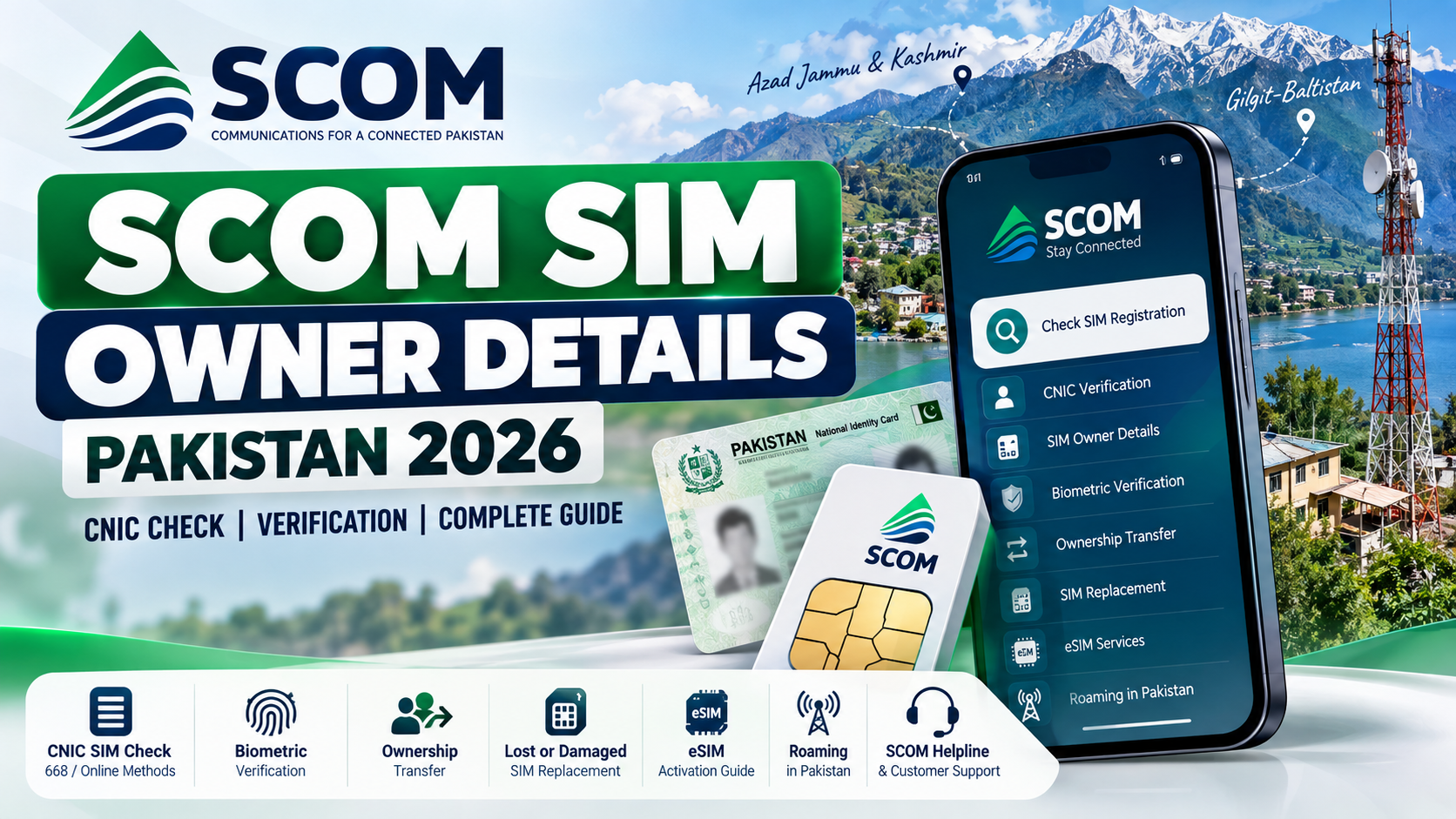
If you are searching for SCOM SIM Owner Details in Pakistan, the safest approach is to understand what information can actually be verified through official telecom channels and what cannot be obtained through a public lookup.
SCOM, operated by the Special Communications Organization (SCO), provides mobile services primarily across Azad Jammu & Kashmir (AJK) and Gilgit-Baltistan (GB). Because SCOM operates in these regions, users may have questions about SIM registration, CNIC records, biometric verification, ownership transfer, lost SIM replacement, eSIM, roaming, and number portability.
This guide explains those topics from a self-check and official-support perspective. It does not provide a public database for finding another person’s name, CNIC, address, or other private subscriber information.
Important: Your own SIM and CNIC information should be checked through official SCOM, PTA, or operator-supported channels. Avoid websites, apps, APKs, or individuals claiming they can reveal private SCOM subscriber records.
SIM registration is closely connected with identity verification in Pakistan, which is why accurate CNIC information is important when dealing with SIM registration, ownership changes, biometric verification, or unexpected SIM records. If you need to review or update your identity documentation, use the official NADRA website rather than relying on third-party websites. For SCOM SIM-related matters, identity verification should always be completed through authorized SCOM and relevant official channels.
Quick Answer: How to Check SCOM SIM Owner Details
| What you want to check | Appropriate route |
|---|---|
| SIMs registered against your CNIC | Official PTA SIM Information System / applicable CNIC verification |
| Your SCOM account information | SCOM customer-service channels or official portal |
| SIM registration | SCOM/authorized service centre and biometric verification |
| Unknown SIM connected to your CNIC | Verify your CNIC record and contact the relevant operator |
| SIM ownership transfer | SCOM customer service centre / authorized channel |
| Lost or damaged SCOM SIM | Official SCOM replacement process |
| SCOM eSIM | Official SCOM service channel with biometric verification |
| Another person’s private owner information | Not a legitimate public lookup service |
| General SCOM assistance | SCOM helpline and customer service |
What Does SCOM SIM Owner Details Mean?
The phrase SCOM SIM Owner Details can mean different things depending on what a person is actually trying to verify.
For an individual checking their own SIM, it can refer to:
- Whether the SIM is registered in their name
- Whether the SIM is associated with their CNIC
- Whether the registration record appears correct
- How to verify or update ownership
- How to replace a lost SIM
- How to manage an SCOM account
- How to resolve an unexpected SIM registration
It should not be interpreted as permission to obtain another subscriber’s confidential information.
A mobile number being known to you does not automatically give you access to the subscriber’s CNIC, address, fingerprints, or other private registration information.
That distinction is especially important when searching online for phrases such as SCOM SIM Owner Name, SCOM Number Owner Details, or SCOM SIM Owner Check.
What Is SCOM?
SCOM is the mobile telecommunications service associated with the Special Communications Organization (SCO).
SCO is a public-sector organization under Pakistan’s Ministry of IT & Telecom and provides telecommunications services in AJK and Gilgit-Baltistan.
SCOM’s mobile network provides GSM services in these regions and also supports nationwide roaming arrangements. This means an SCOM subscriber may use the service outside its primary regional footprint where roaming is available.
For customers, this creates an important distinction:
SCOM registration and customer-service matters are handled through SCOM’s official channels, while national SIM-registration verification is also connected with Pakistan’s wider telecom regulatory framework.
Can You Check SCOM SIM Owner Details by Mobile Number?
There is no legitimate public SCOM service that should be treated as a database where anyone can enter a mobile number and receive another subscriber’s private name, CNIC, address, or biometric information.
You may find websites or applications advertising:
“SCOM SIM Owner Check”
“SCOM Number Owner Details”
“SCOM SIM Database”
“SCOM CNIC Details”
Be careful with such claims.
A website displaying a name beside a mobile number does not prove that the information is official, current, lawfully obtained, or accurate.
For your own number, the correct approach is to use official account, registration, customer-service, or CNIC-based verification channels.
How to Check SIMs Registered Against Your CNIC
Pakistan’s official SIM Information System provides a method for checking the number of SIMs registered against an individual’s CNIC.
The official portal is:
The system is designed for CNIC-based SIM information rather than providing a public subscriber database.
When using the service, make sure you enter your own identity information and use the official domain.
The official system can provide network-wise SIM information and totals associated with the identity record. The exact categories shown by the official system can include network information and SIM counts.
Important limitation
A CNIC SIM check should not be confused with a public:
“Enter any number → receive the owner’s complete personal profile”
service.
These are fundamentally different things.
Does 668 Work for SCOM SIM Owner Details?
The 668 method is widely associated with checking SIMs registered against a CNIC in Pakistan.
However, when dealing specifically with SCOM, users should avoid assuming that every feature documented for other major mobile operators automatically works in exactly the same way.
The safest approach is:
- Use the official PTA SIM Information System.
- Check the information associated with your own CNIC.
- If an SCOM-specific issue is not clearly resolved, contact SCOM directly.
- Do not rely on an unofficial website claiming to provide a detailed SCOM owner database.
The important distinction is between a CNIC-level SIM registration check and a public SCOM number-owner lookup.
The former is an official self-check concept. The latter should not be treated as an authorized public service.
What Does a CNIC SIM Check Actually Tell You?
A CNIC-based SIM verification is useful because it can help you identify whether SIM registrations associated with your identity appear familiar.
For example, you may discover that:
- You have more active registrations than expected.
- An old SIM is still associated with your identity.
- A number you previously used may still require attention.
- A registration may need to be investigated with the operator.
However, the result should be interpreted carefully.
A SIM count is not necessarily a complete explanation of every number you have ever used, and it does not automatically provide a person’s private profile.
If something looks incorrect, the next step is operator verification, not an unofficial database search.
SCOM SIM Registration and Biometric Verification
SIM registration in Pakistan is tied to identity verification requirements.
When a customer purchases, replaces, or performs certain ownership-related actions on a SIM, biometric verification may be required.
For an SCOM customer, the appropriate route is an authorized SCOM customer service point or other officially designated channel.
You may need:
- Original CNIC
- The SIM or relevant mobile number
- Your physical presence
- Biometric verification
- Additional information required for the requested service
The exact requirements can vary according to the transaction.
Do not give your fingerprints to an unknown person simply because they claim they can “check SIM owner details.”
SCOM SIM Ownership Transfer
If an SCOM SIM is being used by one person but is registered under another person’s identity, the registration issue should be handled through the official ownership-transfer process.
This is particularly relevant when:
- A family member uses an old SIM.
- A SIM was purchased for another person.
- A number was acquired from a previous user.
- A business or work number changed hands.
- The registered owner and actual user are different.
Using a SIM for a long period does not automatically make the user the registered owner.
The proper solution is to contact SCOM through an authorized service channel and ask about the current ownership-transfer requirements.
Do not attempt to “change the owner” through an online database or third-party website.
How to Disown an SCOM SIM
If you no longer use a SIM registered under your identity, it is important to investigate the proper disowning or closure procedure.
This can be relevant for:
- Old numbers
- Lost numbers
- Unused SIMs
- Numbers transferred to another person
- Temporary numbers that are no longer required
The exact process, eligibility requirements, and applicable charges should be confirmed directly with SCOM because telecom procedures and charges can change.
Avoid relying on old social-media posts or outdated articles for current fees.
The safest principle is simple:
If you no longer need a SIM registered against your identity, ask the operator how to formally close or disown it.
What If an Unknown SCOM SIM Appears on Your CNIC?
Finding an unfamiliar SIM registration connected to your CNIC deserves attention.
First, do not panic and do not assume that an online database will solve the problem.
Instead:
Step 1: Confirm the CNIC result
Use the official SIM Information System or another official verification route.
Step 2: Identify the relevant network
Determine which operator is associated with the registration shown in your official result.
Step 3: Contact the operator
If the registration is associated with SCOM, contact SCOM and explain that you are investigating an unexpected registration.
Step 4: Request the appropriate corrective action
The operator can explain whether the registration requires verification, blocking, disowning, ownership correction, or another procedure.
Step 5: Protect your identity
Do not share your CNIC photograph, fingerprints, OTPs, or account passwords with unofficial agents.
Lost or Damaged SCOM SIM
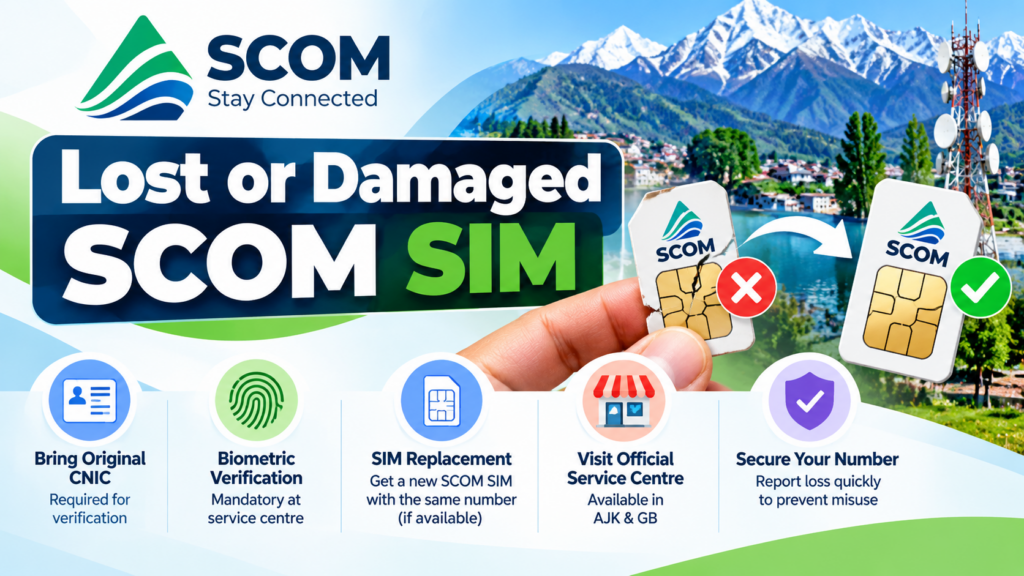
If your SCOM SIM is lost or damaged, the priority is not finding its “owner details” online.
The priority is securing the number.
Contact SCOM through its official support channel and ask about SIM replacement.
Depending on the situation, the process may involve identity verification and biometric authentication.
This helps ensure that a replacement SIM is issued to the legitimate registered subscriber.
If the SIM was lost, act promptly rather than leaving the number unattended.
SCOM eSIM
SCOM also provides eSIM-related services through its official channels.
The general process involves obtaining the eSIM through an authorized SCOM service location and completing the required verification.
SCOM’s eSIM guidance includes QR-based activation.
One important security rule is:
Do not share your eSIM QR code with another person.
If you change your phone and require a new QR code, follow the official SCOM procedure instead of using a third-party activation service.
An eSIM is still connected to subscriber identity and should be treated with the same security precautions as a physical SIM.
SCOM Roaming
SCOM services are primarily associated with AJK and GB, but roaming arrangements allow customers to use mobile services outside the core regional network where supported.
This can create confusion when a subscriber sees another network while travelling.
Seeing another operator’s network does not automatically mean that the SCOM registration has changed.
Roaming and ownership are separate concepts.
If you are unsure about your account status, check through official SCOM support rather than assuming that the network name displayed on your phone represents a change of SIM ownership.
SCOM and Mobile Number Portability
Mobile Number Portability (MNP) allows eligible mobile users to change networks while retaining a mobile number.
However, users should not assume that every MNP code or SMS procedure advertised for another operator automatically applies to SCOM.
If you want to port an SCOM number, confirm the current eligibility and procedure through the official operator channels.
This is particularly important because eligibility can depend on factors such as the current registration, ownership history, and applicable telecom rules.
Can SCOM Customer Portal Show Owner Information?
SCOM provides official customer-facing digital services, including a customer portal.
An authenticated customer portal is fundamentally different from a public owner database.
A legitimate account system may provide account-related information after authentication, but that does not mean that anyone can enter an arbitrary SCOM number and access private subscriber information.
Always use the official SCOM website and official login pages.
Avoid entering CNIC numbers, passwords, OTPs, or account information into websites with unfamiliar domains.
SCOM SIM Owner Details and Privacy
Your SIM registration is connected to sensitive identity information.
Your mobile number may be associated with:
- CNIC information
- Biometric verification
- Account details
- Call or usage-related information
- Financial or digital accounts
- WhatsApp and other communication services
Because of this, SIM security is also identity security.
Never publish your complete CNIC publicly.
Never send a fingerprint image to an unknown person.
Never provide an OTP to someone claiming to “verify your SIM.”
Never install an APK simply because it promises free SIM owner details.
Beware of Fake SCOM SIM Databases
One of the biggest risks when searching for SCOM SIM Owner Details Pakistan is encountering websites that claim to have leaked or secret telecom databases.
Common claims include:
- “Live SCOM Database”
- “Complete SIM Owner Details”
- “CNIC Owner Database”
- “All SIMs on Any CNIC”
- “Search by Number”
- “Private SIM Records”
- “Updated 2026 Database”
Such claims should be treated with extreme caution.
Even if a website displays some information, there is no guarantee that it is accurate, current, authorized, or legally obtained.
Some websites may also use these claims to collect:
- CNIC numbers
- Mobile numbers
- Email addresses
- Passwords
- OTPs
- Device information
For self-verification, there is no reason to provide sensitive information to an unknown database.
Avoid Unsafe SIM Checker Apps and APKs
A particularly important warning applies to Android applications that claim to reveal SIM registration data.
An APK downloaded from an unknown website can request permissions that have nothing to do with legitimate SIM verification.
Before installing an app, consider:
- Who published it?
- Is it available through an official source?
- What permissions does it request?
- Does it require your CNIC unnecessarily?
- Does it request SMS access?
- Does it ask for contacts?
- Does it ask for accessibility access?
- Does it promise private subscriber information?
PTA’s cybersecurity awareness material has also warned users about malicious Android applications and unsafe sources.
For telecom verification, prefer official websites, official apps, operator service centres, and recognized support channels.
SCOM SIM Owner Name: What You Should Understand
Searches for SCOM SIM Owner Name often create confusion.
There is a major difference between:
Checking your own registered identity
and
Searching for another person’s private identity.
If you own a SIM and need to verify its registration, use the official process.
If you are trying to identify an unknown person from a mobile number, an unofficial lookup site is not an appropriate substitute for a lawful verification process.
Privacy should remain the default.
SCOM Customer Support
For official SCOM assistance, use SCOM’s recognized support channels.
The available SCOM contact information includes:
SCOM Helpline: 355 from an SCOM number
UAN: 111-726-726
SCOM also provides customer service centres in AJK and GB.
These official channels are particularly important for issues involving:
- SIM replacement
- Ownership changes
- Disowning
- Biometric verification
- eSIM
- Account problems
- Registration disputes
- Network/service complaints
If an issue cannot be resolved through normal customer service, ask for the appropriate complaint or escalation procedure.
SCOM Services in AJK and Gilgit-Baltistan
SCOM has a distinctive regional footprint compared with Pakistan’s nationwide commercial mobile operators.
Its mobile services are strongly associated with AJK and Gilgit-Baltistan, and official customer service facilities are available across these regions.
For customers living in these areas, visiting an authorized SCOM service centre may be more appropriate than trying to solve an identity or ownership issue through an online third-party service.
For biometric or ownership-related matters, physical verification may be required.
SCOM SIM Owner Details: Common Mistakes
Mistake 1: Searching for a leaked database
A leaked database is not an official verification method.
Mistake 2: Assuming every SMS code works on SCOM
A code documented for another operator should not automatically be treated as an SCOM service.
Mistake 3: Confusing roaming with ownership
Your phone displaying another network while roaming does not by itself indicate a change of ownership.
Mistake 4: Giving fingerprints to an unknown agent
Biometric information is sensitive.
Mistake 5: Installing random SIM-checker APKs
Unknown applications can create security and privacy risks.
Mistake 6: Using outdated fee information
SIM replacement, ownership and other service charges can change. Confirm current charges with SCOM.
Mistake 7: Sharing OTPs
No legitimate verification process should require you to hand an OTP to an unknown person.
Complete SCOM SIM Verification Checklist
If you want to review your own SCOM SIM information, use this checklist:
1. Confirm your mobile number.
Make sure you are checking the correct SIM.
2. Check your CNIC registration.
Use the official SIM Information System where applicable.
3. Review unexpected registrations.
If something appears unfamiliar, investigate it through the relevant operator.
4. Contact SCOM when the issue is SCOM-specific.
Use official customer service rather than an unofficial website.
5. Complete biometric verification when required.
Ownership-related transactions may require physical verification.
6. Secure lost numbers immediately.
Ask about blocking or replacement.
7. Review old SIMs.
If you no longer use a number, ask about the correct disowning or closure process.
8. Protect your identity.
Never share CNIC copies, fingerprints, OTPs, or passwords unnecessarily.
9. Avoid fake databases.
Official verification should always be your first choice.
SCOM vs General SIM Verification
| Requirement | Official approach |
|---|---|
| Check SIMs against your CNIC | PTA SIM Information System |
| Verify SCOM account | Official SCOM channels |
| Change ownership | Authorized SCOM process |
| Replace lost SIM | SCOM customer service |
| eSIM activation | Official SCOM channel |
| Resolve unknown registration | Operator verification |
| Identify another person’s private data | Not a public lookup service |
| Get help | SCOM official support |
Frequently Asked Questions
How can I check SCOM SIM Owner Details?
For your own SIM, use official SCOM customer services and CNIC-based SIM verification where applicable. There is no legitimate public database that should be used to reveal another person’s confidential subscriber information.
Can I check an SCOM SIM owner by number?
A public number-to-name lookup should not be treated as an authorized SCOM service. For your own number, use official account and registration channels.
Does 668 check SCOM SIMs?
668 is associated with Pakistan’s CNIC-based SIM verification framework. For SCOM-specific interpretation, use the official PTA system and confirm unresolved matters directly with SCOM rather than relying on third-party claims.
Can I find an SCOM owner’s CNIC online?
You should not rely on websites claiming to provide another subscriber’s CNIC. CNIC information is sensitive personal information and should not be treated as public search data.
How do I transfer an SCOM SIM to my name?
Contact an authorized SCOM service centre and ask for the current ownership-transfer procedure. Biometric verification may be required.
How do I replace a lost SCOM SIM?
Contact SCOM through an official customer-service channel and follow its replacement and identity-verification process.
Does SCOM have eSIM?
SCOM provides eSIM services through its official channels. Follow the official activation process and protect your QR code.
Can I use an SCOM SIM outside AJK and GB?
SCOM provides roaming facilities, allowing customers to use services outside its primary regional coverage where roaming is available.
What should I do if an unknown SIM appears on my CNIC?
Confirm the registration through an official verification channel, identify the relevant operator, and contact that operator to investigate and correct the record.
Are SCOM SIM database websites safe?
Do not assume they are safe or official. Avoid websites that request sensitive information or claim to provide secret/leaked subscriber databases.
What is the SCOM helpline?
SCOM lists 355 for calls from an SCOM number and 111-726-726 as its UAN.
Can I check someone else’s SCOM owner name?
A person’s private subscriber information should not be treated as publicly searchable data. Use official channels for your own registration and lawful telecom matters.
Final Thoughts on SCOM SIM Owner Details Pakistan
SCOM SIM Owner Details should primarily be understood as a self-verification and account-management topic, not as a public database search.
If you own an SCOM SIM, the useful questions are:
- Is it correctly registered?
- Is it associated with my CNIC?
- Are there unexpected SIM registrations?
- Do I need ownership transfer?
- Do I need to replace a lost SIM?
- Do I need eSIM?
- How can I contact SCOM?
- How can I protect my mobile identity?
The safest route is always to start with official SCOM and PTA channels.
Do not trust websites claiming to expose private SCOM subscriber records, and do not install unknown applications simply because they promise “SIM Owner Details.”
For current SCOM services, customer support, eSIM, account management and service-centre assistance, use the official SCOM website and recognized service channels.
Official Resources
- SCOM / SCO: https://www.sco.gov.pk/
- PTA SIM Information System: https://cnic.sims.pk/
- SCOM Customer Support: 355 from SCOM / 111-726-726
- PTA: https://www.pta.gov.pk/
Editorial note: Telecom procedures, service charges, eligibility rules and available channels can change. Always confirm current requirements directly with the relevant operator or regulator before visiting a service centre or completing an ownership-related transaction.
Leave a Reply