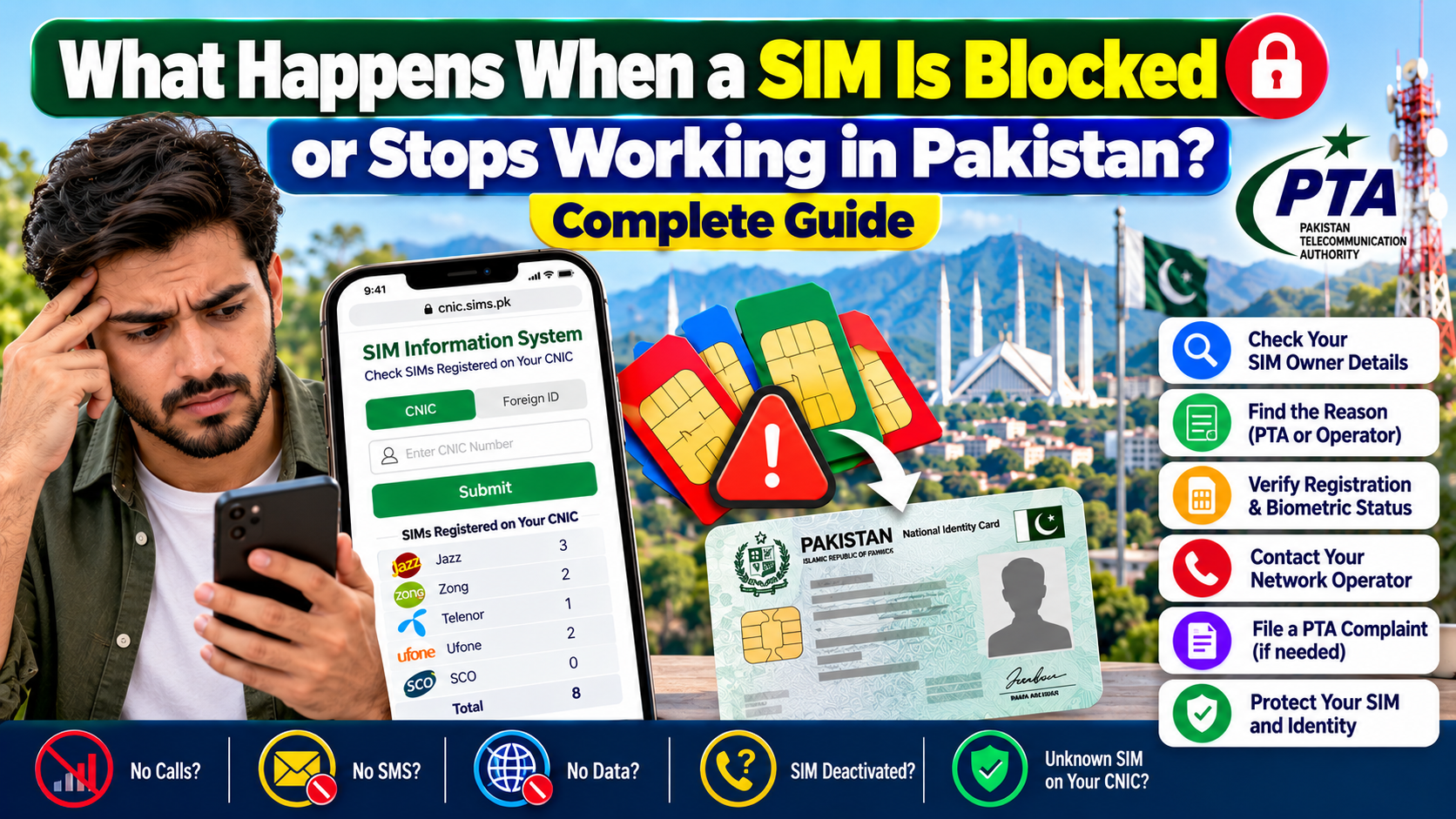
What Happens When a SIM Is Blocked or Stops Working in Pakistan?
When a mobile SIM suddenly stops making calls, sending SMS, or using mobile data, many people immediately assume that PTA has blocked the SIM. That assumption is not always correct.
A non-working SIM can be connected to several different situations. There may be an operator-side service problem, a registration or verification issue, a SIM-card fault, a network problem, an account-related restriction, or a separate device/IMEI problem. In some cases, regulatory action may also affect a connection.
The important point is that “SIM not working” and “SIM blocked by PTA” are not automatically the same thing.
This distinction matters when you are checking your SIM Owner Details, reviewing SIMs registered against your CNIC, or trying to determine why a particular connection has stopped working.
Pakistan’s official SIM Information System provides a way to check the number of SIMs registered against your own CNIC. The official portal currently instructs users to enter their CNIC and submit it, while also providing a network-check service through 76367. CNIC Sims
This guide explains the issue from a practical, self-check perspective: what you can verify yourself, what different checks actually tell you, where PTA and operators fit into the process, and what to do when the problem cannot be resolved through ordinary troubleshooting.
Important: This is an educational guide. Always use official PTA, operator, NADRA and relevant government channels for your own SIM and identity-related issues.
Is Every Non-Working SIM Blocked by PTA?
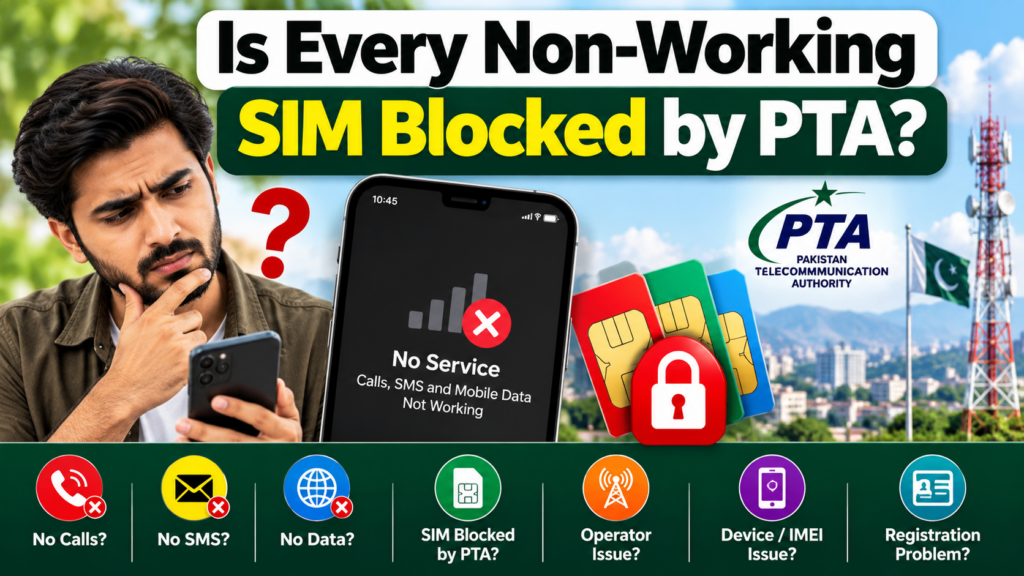
No.
A SIM can stop working for reasons that have nothing to do with a PTA block.
For example, imagine your phone suddenly displays “No Service.” You may immediately think that the SIM has been blocked. But the actual problem could be:
- temporary network outage
- SIM-card damage
- phone SIM-slot problem
- incorrect network settings
- operator-side service issue
- registration or verification issue
- account-related restriction
- device/IMEI issue
- local coverage problem
- SIM replacement-related problem
Therefore, the first step should not be searching for a complicated explanation. The first step should be identifying which part of the mobile service chain is actually affected.
A useful approach is to separate four things:
| Situation | What it generally means |
|---|---|
| SIM problem | The connection/SIM itself may have an issue |
| Operator problem | The mobile company may need to investigate |
| Network problem | Service may be unavailable in a location or area |
| Device/IMEI problem | The handset may be restricted even though the SIM itself is active |
This simple distinction can prevent unnecessary complaints and incorrect assumptions.
PTA Block vs Operator Issue vs SIM Problem

One of the biggest mistakes people make is treating every service interruption as a PTA action.
A telecom connection involves different organizations and systems performing different functions. The ordinary user does not need to understand private backend architecture to troubleshoot the problem.
Instead, ask:
1. Is the problem only happening on my phone?
If another working SIM also fails in the same phone, the handset or network environment may be relevant.
2. Does my SIM work in another phone?
If your SIM works normally in another compatible phone, the problem may be associated with the original handset or its settings.
3. Does another SIM work in my phone?
This comparison can help separate a SIM/service problem from a handset problem.
4. Can the operator confirm the connection status?
If basic troubleshooting does not solve the issue, the mobile operator is the appropriate place to confirm the status of the particular connection.
The important lesson is simple:
Do not label the problem “PTA blocked” until there is evidence that the issue is actually regulatory rather than technical or operator-related.
Common Reasons a SIM May Stop Working in Pakistan
There is no single explanation for every inactive connection. Depending on the circumstances, several possibilities may need to be considered.
1. Temporary Network Problem
Sometimes the SIM is perfectly fine but the network is temporarily unavailable.
You may notice:
- no signal
- calls failing
- mobile data unavailable
- SMS delays
- network registration problems
Try the SIM in another location and, where appropriate, another compatible handset.
2. SIM Card Damage
Older or physically damaged SIM cards can develop problems.
Signs can include:
- SIM not detected
- intermittent service
- repeated “Insert SIM” messages
- calls disconnecting
- mobile data disappearing
If the SIM is physically damaged, an operator may need to replace it after completing the required verification process.
3. Phone or SIM-Slot Problem
Before blaming the SIM, test another known-working SIM in the same handset.
If the second SIM also behaves incorrectly, investigate:
- SIM slot
- network settings
- handset software
- airplane mode
- preferred network settings
- device compatibility
This is particularly important because SIM problems and handset problems can look very similar.
4. Operator-Side Service Issue
A connection may require attention from the relevant mobile operator.
For example, the operator may need to investigate a problem involving:
- account status
- replacement history
- registration information
- service activation
- connection configuration
The operator is the appropriate source for the current status of a specific subscriber connection.
5. Registration or Verification Issue
SIM registration in Pakistan involves identity verification processes. NADRA officially provides identity-verification services, including biometric verification that matches fingerprints and a photograph with CNIC information. NADRA
This is why biometric verification is an important part of understanding SIM registration.
However, users should not assume that a particular error message automatically proves a specific backend cause. If the exact reason is unclear, the operator should confirm the status.
SIM Block and IMEI Block Are Not the Same Thing
This is one of the most important distinctions in this entire topic.
A SIM is associated with a mobile connection.
An IMEI identifies the mobile device.
Therefore, a problem with the handset’s IMEI should not automatically be described as a blocked SIM.
Example
Suppose your SIM works normally in another phone but does not provide service in one particular handset.
That situation should make you investigate the handset rather than immediately concluding that your SIM registration has been cancelled.
This is why troubleshooting should always include a basic SIM-versus-device test.
Simple test
Put the affected SIM in another compatible phone.
Then:
Put another working SIM in the original phone.
The results can help you determine which side needs further investigation.
How to Troubleshoot a SIM That Is Not Working
Use this sequence before jumping to conclusions.
Step 1: Restart the phone
Turn the handset off and on again.
This can eliminate temporary network-registration or software issues.
Step 2: Check Airplane Mode
Make sure Airplane Mode is disabled.
Step 3: Check whether the SIM is detected
If the phone says “No SIM” or similar, the issue may be physical, SIM-related, or slot-related.
Step 4: Check network availability
Move to another location if possible.
If other people using the same operator are also experiencing the issue, a network-side problem becomes more plausible.
Step 5: Test the SIM in another phone
This is one of the most useful basic tests.
Step 6: Test another SIM in your phone
This helps identify whether the handset itself is causing the problem.
Step 7: Contact the operator
If the problem follows the SIM, ask the operator to check the connection’s current status.
Step 8: Check your own CNIC-linked SIM information
If you are concerned about registration or unknown connections, use the official PTA SIM Information System.
What Can You Check Through PTA’s SIM Information System?
The official PTA SIM Information System is available at:
The current official page states that users can enter their CNIC to find the total number of SIMs registered against their CNIC. It also provides a Foreign ID option for foreign nationals. CNIC Sims
This is important because people sometimes expect an online SIM check to provide a complete personal profile.
The official service is much narrower.
It is designed for checking SIM registration counts associated with your own identity document.
What this check is useful for
You can use it to:
- review the SIM count associated with your CNIC
- compare operator-wise totals
- identify an unexpected registration count
- perform a personal SIM ownership/security review
For a detailed self-check, you can also read our [SIM Owner Details] guide.
Why Your SIM Count Matters
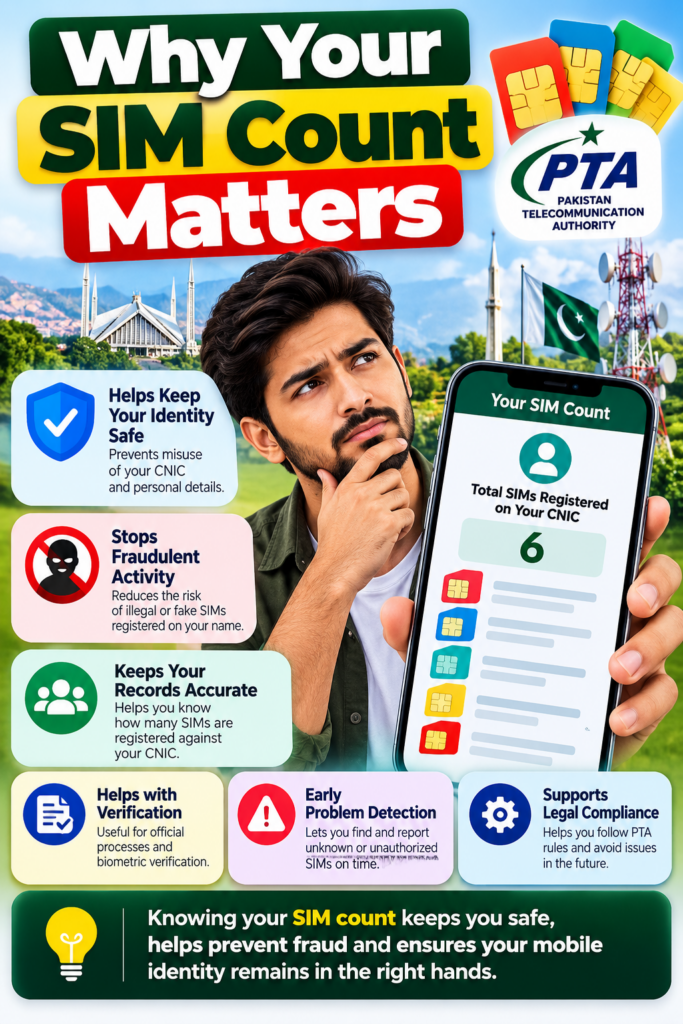
Your CNIC-linked SIM count can be an important identity-security check.
PTA’s cyber-safety guidance specifically recommends periodically checking the number of SIMs issued in your name through 668 and taking action if an illegally issued SIM is identified. NTCERT
This is especially relevant if:
- you have lost an old SIM
- you no longer remember every connection you have used
- you have recently changed operators
- you suspect unauthorized registration
- you received an unexpected SIM-related message
- you are reviewing your personal identity security
For a more focused walkthrough, see CNIC SIM Count Review.
What Does 668 Tell You?
668 is associated with the SIM Information System and is intended for checking SIMs associated with your own identity information.
The official PTA SIM Information System currently promotes the CNIC-based SIM count check and provides its web interface at cnic.sims.pk. CNIC Sims
A common mistake is to expect 668 to work like a public reverse-lookup service.
It does not mean that you can enter somebody else’s mobile number and receive their private identity profile.
Think of 668 as an ownership-security check
The useful question is:
“How many SIMs are registered against my identity?”
rather than:
“Who owns this other person’s mobile number?”
That distinction keeps your search within the proper self-check purpose.
What Is the Difference Between 668, 667 and 76367?
These services should not be mixed together.
668
Used for checking SIM registration information associated with your own CNIC through the SIM Information System.
667
Associated with Mobile Number Portability/self-SIM registration processes. Operator documentation also references MNP-related use of 667. For example, Jazz’s published guidance explains sending MNP to 667 as part of its port-in process. NADRA
You can read our dedicated 667 MNP Verification guide for more detail.
76367
The official PTA SIM Information System currently states that users can send:
N 03xx3456789
to 76367 to check the network of a number, with the page listing a charge of Rs. 2 plus tax. CNIC Sims
These are different checks with different purposes.
Do not assume that one shortcode provides every type of SIM information.
What Does SIM Owner Details Actually Mean?
The phrase SIM Owner Details is often used very broadly online.
For an ordinary user, however, there is an important difference between:
- checking your own CNIC-linked SIM count
- checking the registration of a SIM you personally possess
- identifying the current network of a number
- trying to obtain another person’s private subscriber information
The first three involve different legitimate verification purposes.
The fourth raises privacy and authorization issues and should not be treated as a normal public lookup service.
A responsible SIM-information website should therefore focus on self-checking, not on promising private records belonging to other people.
What If an Unknown SIM Appears on Your CNIC?
This is one of the situations where checking your SIM Owner Details becomes especially important.
Suppose you review your CNIC-linked SIM count and discover that the number of registered connections does not match what you remember.
Do not panic.
Instead, work through the issue systematically.
Step 1: Confirm the result
Repeat the check using the official PTA channel.
Step 2: Identify the relevant operator
The SIM Information System provides operator-wise information in its results. CNIC Sims
Step 3: Contact the relevant operator
Take your original identity documentation and ask the operator to investigate the connection associated with your identity.
Step 4: Request correction or blocking where appropriate
If you identify a connection that you did not authorize, ask the operator about the applicable process for blocking, disowning, or correcting the record.
Step 5: Escalate if necessary
If the telecom issue remains unresolved after dealing with the service provider, PTA’s Complaint Management System provides a mechanism for consumers to lodge and track telecom complaints. Pakistan Telecommunication Authority
Our PTA Complaint & Support guide can help you understand the escalation process.
What Role Does Biometric Verification Play?
Biometric verification connects the identity-verification side of the process with a person presenting their identity credentials.
NADRA describes its biometric verification service as a system that matches fingerprints and a photograph with CNIC information and provides electronic verification results. NADRA
NADRA also describes itself as Pakistan’s national authority for citizen registration and legal identity, with biometric and digital verification infrastructure. NADRA
This does not mean an ordinary user can open NADRA’s internal systems and inspect biometric records.
Instead, biometric verification is used as part of authorized identity-verification processes.
For users who want to understand this topic separately, see SIM Biometric Verification.
What If the SIM Stopped Working After a Replacement?
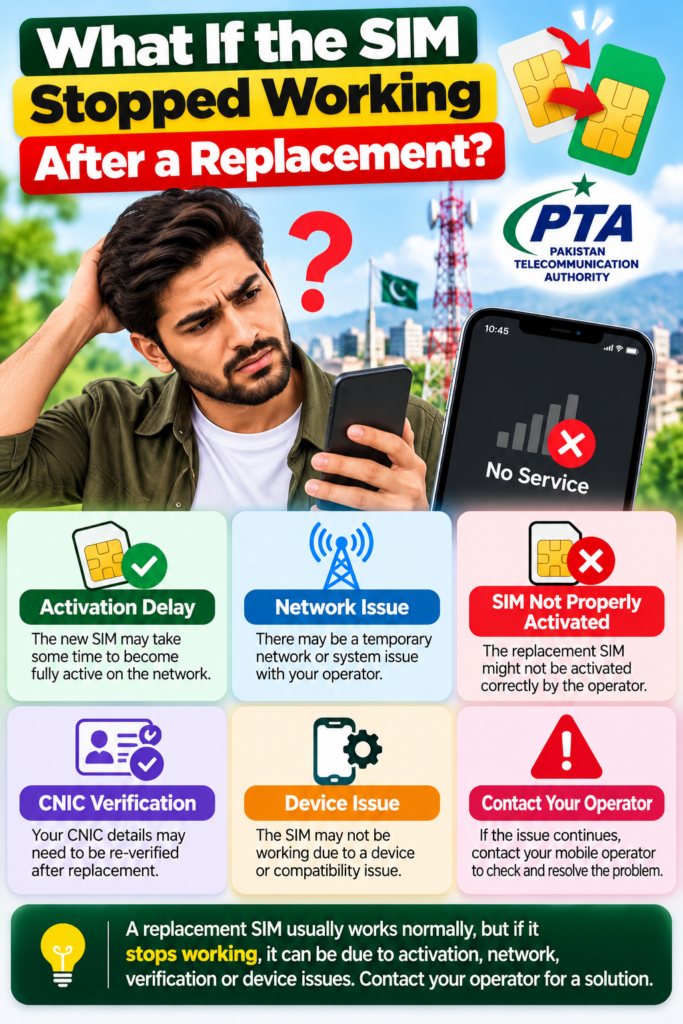
A SIM replacement is a situation where you should be particularly careful about assumptions.
If an old SIM suddenly stops working after a replacement request, the relevant operator can confirm whether:
- the replacement was completed
- the old SIM was deactivated
- the new SIM is active
- additional verification is required
Do not rely solely on a phone message to determine the exact cause.
A message such as “No Service” tells you what the handset is experiencing. It does not necessarily explain the underlying administrative reason.
What If Calls and SMS Suddenly Stop?
A sudden loss of calls and SMS deserves attention, especially if it occurs unexpectedly.
PTA’s cyber-safety advisory on SIM swapping identifies sudden loss of calls or text messages as a warning sign in a SIM-swap scenario and recommends contacting the mobile provider promptly. NTCERT
If this happens unexpectedly:
- Try the SIM in another phone.
- Check whether the phone detects the SIM.
- Contact your operator immediately.
- Secure important accounts associated with the number.
- Check for suspicious account activity.
- If you believe a cybercrime or identity-theft incident has occurred, preserve relevant evidence.
For cybercrime-related complaints, the National Cyber Crime Investigation Agency (NCCIA) provides an official complaint channel and lists 1799 as its contact number. NCCIA Complaint
What If Your SIM Works but Your Phone Does Not?
This is where the SIM-versus-device distinction becomes extremely useful.
Try your SIM in another compatible handset.
If it works there, investigate the original phone.
Possible areas to check include:
- device network settings
- SIM slot
- software
- handset compatibility
- device registration/IMEI status
This situation should not automatically be described as a SIM Owner Details problem.
The SIM may be perfectly fine while the handset is causing the service interruption.
PTA Complaint: When Should You Escalate?
You generally do not need to submit a formal regulatory complaint for every temporary network problem.
First:
Test → verify → contact operator → document the issue → escalate if unresolved.
PTA’s Complaint Management System is designed for telecom consumers to lodge and track complaints related to telecommunications services and monitor their status. Pakistan Telecommunication Authority
When escalating, keep useful information available, such as:
- your name
- CNIC
- mobile number
- operator
- approximate date/time of the problem
- screenshots of relevant messages
- complaint/reference number from the operator
- any other supporting evidence
Avoid sending sensitive documents to random websites claiming to provide “SIM Owner Details.”
Use official channels whenever identity information is involved.
When Should NCCIA Be Considered?
PTA is relevant to telecom-service complaints.
NCCIA is relevant when the matter involves a suspected cybercrime or digital crime.
For example, if a SIM-related incident appears connected to:
- identity theft
- account takeover
- online fraud
- unauthorized digital activity
- cyber harassment
- suspicious cybercrime activity
you may need to consider the appropriate cybercrime reporting channel.
NCCIA’s official complaint portal allows users to submit details including CNIC, mobile number, city, crime category and supporting complaint information. Its official website lists helpline 1799. NCCIA Complaint
This is different from a normal telecom service complaint.
Common Misunderstandings About Blocked SIMs
“My SIM stopped working, so PTA blocked it.”
Not necessarily.
The issue could be technical, operator-related, registration-related, network-related, or device-related.
“668 will tell me why my SIM is blocked.”
Do not assume that.
668/SIM Information System is primarily a SIM-registration information check. It should not be treated as a universal diagnostic tool for every service failure.
“If the SIM is inactive, my CNIC record must be wrong.”
Not necessarily.
A connection’s service state and your broader CNIC-linked SIM information are related concepts but should not be treated as identical.
“IMEI block means SIM block.”
No.
IMEI concerns the handset. SIM registration concerns the mobile connection.
“One failed SMS proves that my SIM is permanently blocked.”
No.
SMS delivery can fail for several technical or service-related reasons.
“A website can show the private owner of any Pakistani number.”
Do not assume that an online lookup claim is legitimate simply because it appears in search results.
For privacy and security, stick to official self-check methods.
How to Protect Your SIM and CNIC Information
SIM security is closely connected to identity security.
Buy SIMs through proper channels
PTA’s cyber-safety guidance recommends obtaining SIMs from cellular franchises rather than informal kiosks and advises users to periodically check SIMs issued in their name. NTCERT
Do not share unnecessary identity information
Avoid sending your CNIC image, biometric information, OTPs or account credentials to unknown people.
Monitor unexpected SIM activity
If your phone suddenly loses calls or SMS without an obvious reason, investigate promptly.
Review your CNIC-linked SIM count
Periodic self-checking can help identify unexpected registrations. PTA guidance specifically recommends this type of check. NTCERT
Protect important accounts
Where available, use additional security controls such as two-factor authentication. NCCIA’s identity-theft guidance also recommends enabling two-factor authentication for important accounts. NCCIA
SIM Block Troubleshooting: Quick Reference Table
| Problem | What to check first | Next step |
|---|---|---|
| No signal | Network/location | Test another location |
| SIM not detected | SIM/slot | Test SIM in another phone |
| Calls fail | Network/service | Test another SIM and contact operator |
| SMS stopped | Network/SIM status | Test sending and receiving |
| Data unavailable | Mobile-data settings/network | Check settings and operator |
| SIM works in another phone | Original handset | Investigate device |
| Other SIM also fails | Phone/network | Investigate handset/network |
| Unknown SIM count on CNIC | PTA SIM Information System | Contact relevant operator |
| Registration concern | CNIC/SIM records | Operator verification |
| Telecom complaint unresolved | Operator complaint record | PTA CMS |
| Suspected cybercrime | Evidence/account activity | NCCIA |
A Simple Self-Check Flow
If your SIM stops working, follow this order:
SIM stops working
↓
Restart phone
↓
Check signal and SIM detection
↓
Test SIM in another phone
↓
Test another SIM in your phone
↓
Check whether the problem follows the SIM or handset
↓
Contact the mobile operator
↓
Check your own CNIC-linked SIM information if registration is a concern
↓
Use PTA CMS if a telecom complaint remains unresolved
↓
Consider NCCIA if there is evidence of a cybercrime or identity-theft incident
This approach is more useful than immediately assuming that the connection has been blocked by PTA.
Frequently Asked Questions

Can PTA block a SIM in Pakistan?
Regulatory action can affect telecom services, but a SIM stopping suddenly does not by itself establish that PTA blocked it. The exact status should be confirmed through the relevant official/operator channel.
How can I check SIMs registered on my CNIC?
Use the official PTA SIM Information System at cnic.sims.pk. The current official page asks for your CNIC and provides the SIM-count service. CNIC Sims
What is the purpose of 668?
668 is associated with checking SIM registration information against your own identity document. PTA also provides the web-based SIM Information System at cnic.sims.pk. CNIC Sims
What does 76367 check?
PTA’s SIM Information System states that sending N 03xx3456789 to 76367 can be used to check the network of a number, with a listed charge of Rs. 2 plus tax. CNIC Sims
Is a blocked SIM the same as a blocked phone?
No. A SIM is the mobile connection, while an IMEI identifies the handset. The two issues should be investigated separately.
What should I do if an unknown SIM appears against my CNIC?
Confirm the result through the official PTA system, identify the relevant operator, contact the operator for investigation/correction, and escalate through PTA if the telecom issue remains unresolved.
Can NADRA show me someone’s SIM details?
NADRA provides identity-verification services, including biometric verification, but that should not be interpreted as a public SIM-owner lookup service. NADRA
What if my SIM suddenly loses calls and SMS?
Treat it as an issue requiring prompt investigation. Test the SIM, contact the operator, and consider account-security steps if the loss is unexpected. PTA’s cyber-safety material identifies sudden loss of calls/texts as a warning sign associated with SIM-swap scenarios. NTCERT
When should I contact PTA?
If you have a genuine telecom-service complaint that remains unresolved after dealing with the operator, PTA’s Complaint Management System allows consumers to submit and track complaints. Pakistan Telecommunication Authority
When should I contact NCCIA?
If the situation involves suspected cybercrime, identity theft, online fraud, account takeover or another cyber-related incident, NCCIA provides an official complaint mechanism and lists helpline 1799. NCCIA Complaint
Final SIM Self-Check Checklist
Before concluding that your SIM has been blocked by PTA, check these points:
- Does the phone detect the SIM?
- Is there network coverage?
- Does the SIM work in another phone?
- Does another SIM work in your phone?
- Have you restarted the device?
- Have you checked basic network settings?
- Has the operator confirmed the connection status?
- Have you checked your own CNIC-linked SIM count?
- Is there an unexpected SIM registration?
- Have you documented any operator complaint?
- If unresolved, have you considered PTA CMS?
- If cybercrime is suspected, have you preserved evidence?
- Have you avoided sharing CNIC/OTP/biometric information with unofficial websites?
Conclusion
A SIM that suddenly stops working can be frustrating, but the correct diagnosis starts with not assuming the cause.
A PTA-related restriction is only one possibility. The problem may instead involve the mobile operator, network availability, the physical SIM, registration or verification, or the handset itself.
For your own SIM Owner Details, the official PTA SIM Information System provides a useful CNIC-based self-check for the number of SIMs registered against your identity. CNIC Sims
For identity verification, NADRA provides official biometric and identity-verification services. NADRA
For unresolved telecom complaints, PTA’s Complaint Management System provides a formal complaint and tracking mechanism. Pakistan Telecommunication Authority
And when a SIM-related problem appears to involve cybercrime, identity theft or online fraud, NCCIA provides the relevant government cybercrime complaint channel and lists 1799 as its helpline. NCCIA Complaint
The safest approach is therefore straightforward:
Test the SIM → separate SIM and device problems → verify your own CNIC-linked SIM information → contact the operator → escalate through PTA when appropriate → use NCCIA for suspected cybercrime.
That gives you a practical, evidence-based way to investigate a non-working SIM without confusing a technical problem with a regulatory block.
Publication note: This article is intentionally written around self-checking and educational guidance. It avoids unsupported claims about private telecom backend systems, guaranteed restoration times, hidden reason codes, or fixed regulatory timelines that are not established by the cited public sources.
Leave a Reply