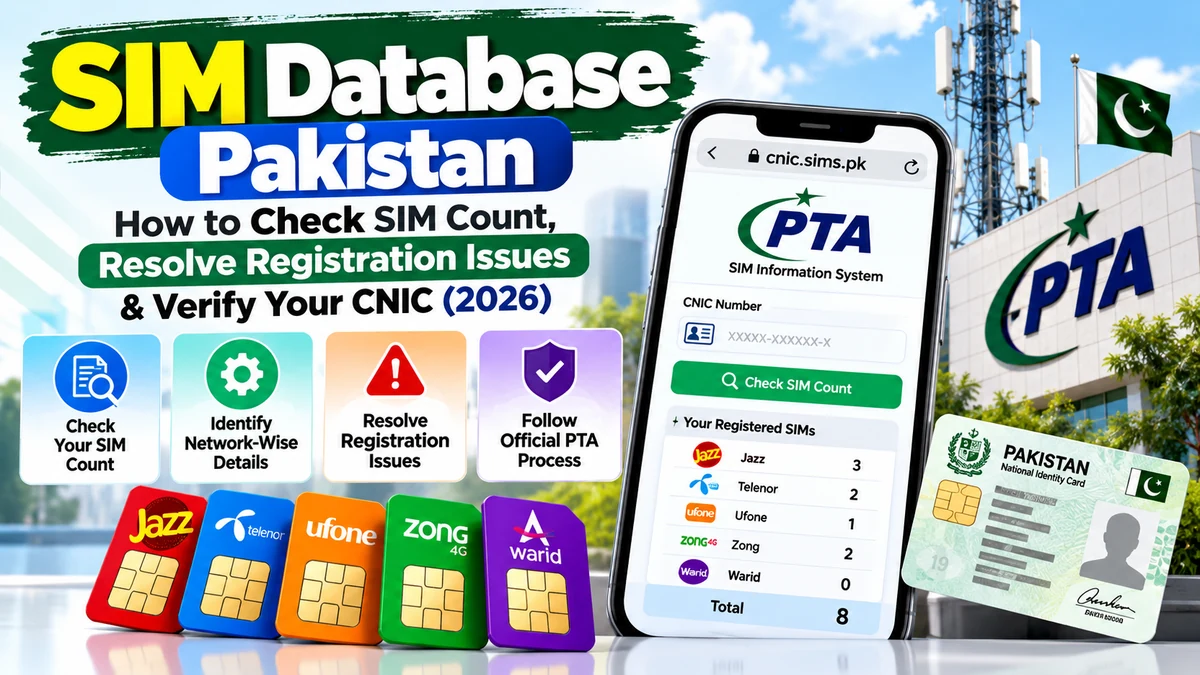
Introduction: Understanding SIM Database Pakistan
Mobile SIM registration is an important part of using telecommunications services in Pakistan. A mobile number is connected to a subscriber registration record, and the identity information provided during registration helps mobile network operators manage their services. For users, understanding these records can help prevent confusion, identify unexpected registration issues and protect personal information.
The term SIM Database Pakistan is commonly used when people want to check how many SIMs are registered against their Computerised National Identity Card (CNIC), identify a mobile network or understand whether a registration record requires further investigation.
However, not every website advertising a SIM database provides official or verified information. Some websites may confuse visitors by promising complete SIM Owner Details, private subscriber information or live mobile-number tracking. These promises should not be treated as proof that a service has legitimate access to telecom records.
The safest approach is to understand what an official SIM check can show, use the Pakistan Telecommunication Authority (PTA) SIM Information System for the relevant self-check, and contact the mobile network operator when a record needs further clarification.
This guide explains how to check your own CNIC-linked SIM count, understand network-wise results, investigate an unexpected number of registrations and follow appropriate steps when a problem remains unresolved.
It is an educational guide for personal verification. It does not provide a method for accessing another person’s private subscriber records.
What Is SIM Database Pakistan?
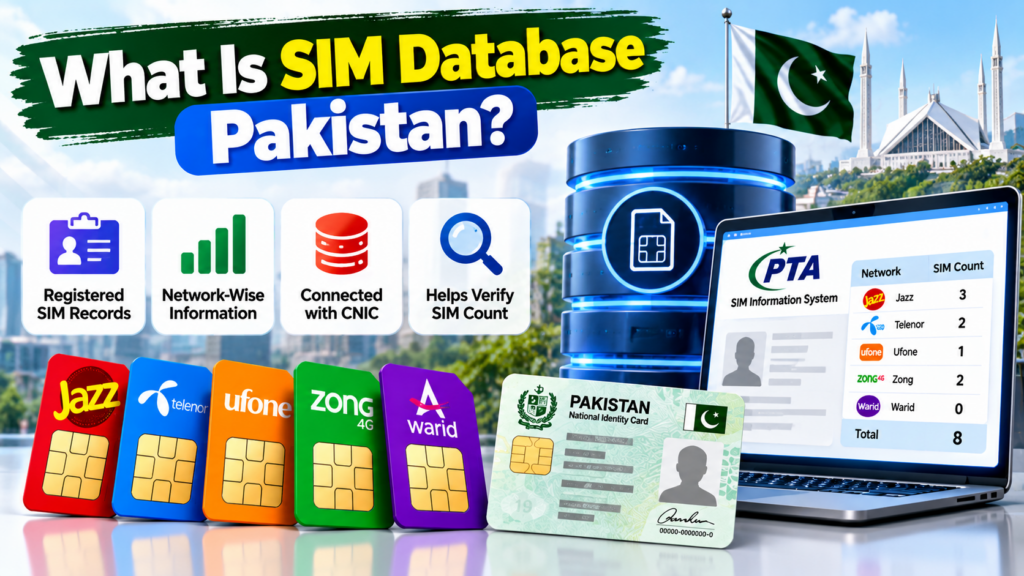
SIM Database Pakistan generally refers to information associated with registered mobile SIM connections in Pakistan. Depending on the service and the user’s access permissions, SIM-related records may contain information used by telecom operators to manage subscriber accounts, network services and registration requirements.
For an ordinary user, the most relevant question is usually not how to access a complete database. It is how to verify their own registered SIM connections through an authorised service.
The official PTA SIM Information System provides a way to check the total number of SIMs registered against a CNIC. Its results can display SIM counts by mobile network, helping users understand how registrations are distributed across operators.
You can access the official service here:
PTA SIM Information System: https://cnic.sims.pk/
The information displayed through a self-check should not be confused with a complete subscriber profile. A SIM count is not the same as a full list of private subscriber details, call records, messages or real-time location information.
What Can a SIM Database Check Help You Understand?
A suitable official self-check may help you:
- Review the number of SIMs associated with your own CNIC.
- Understand the distribution of SIM registrations by network.
- Identify a count that appears unexpected.
- Decide whether to contact a mobile network operator.
- Take appropriate steps if you suspect an unauthorised registration.
- Improve your awareness of SIM registration and identity protection.
These checks are useful because a person’s mobile services can change over time. They may acquire another SIM, replace an old connection or move a number between operators. Keeping track of such changes helps them recognise records that require attention.
What Does It Not Mean?
A SIM Database Pakistan search does not automatically provide permission to view another person’s private information. Nor does a result prove that a number is currently active, that the CNIC is valid in every respect, or that a particular SIM is being used by a specific person at the moment.
Always read the information presented by the official service and ask the relevant operator to investigate account-specific questions.
Why Might Your SIM Count Look Incorrect?
If a SIM count looks different from what you expected, it is reasonable to investigate. However, an unexpected result does not automatically prove fraud, identity theft or an unauthorised SIM registration.
Start by checking what the displayed result actually represents. Then compare it with your own records and contact the relevant operator if the discrepancy remains unexplained.
1. You Have Forgotten an Older SIM Connection
People sometimes forget about connections they obtained years ago. An older SIM may have been used for a secondary phone, mobile internet, a backup number or a service that is no longer part of their daily routine.
Before assuming that a registration is unauthorised, consider your previous mobile connections. Check old SIM packaging, purchase records, account messages or other information you still have.
If you remember owning an additional connection but cannot confirm its current status, ask the relevant network operator how to verify it.
2. You Have More Than One Connection With the Same Operator
A person may use several connections for different purposes. For example, one number might be used for personal calls, another for business, and another for mobile internet.
A network-wise SIM count is a count of registrations, not necessarily a count of the phones currently in someone’s possession. Several registered connections can therefore be associated with the same operator.
Review your own connections before deciding that a total is incorrect.
3. You Replaced or Changed a SIM
SIM replacement and other account changes can create questions about how a connection is represented in a registration record. If you recently replaced a damaged SIM, changed a service or made another account-related request, confirm the current registration status with the operator.
Do not assume that every unexpected count is caused by a replacement. Ask the network provider to examine the specific account and explain the result.
4. You Changed Mobile Networks
Mobile number portability allows a customer to move an eligible mobile number from one network to another while retaining the number. Because network identification and registration are different concepts, a network-related result should be interpreted carefully.
If you recently moved a number between operators, verify which network currently serves it through an appropriate network-identification method.
The Pakistan MNP Database provides information about mobile network identification and number portability services:
For account-specific registration concerns, your current operator remains an important point of contact.
5. You Entered Incorrect Information
A failed or unexpected check may result from incorrect input. A CNIC number must be entered in the format requested by the official service.
Check each digit before submitting the form. Do not add spaces, letters or punctuation unless the form specifically requests them.
If the system displays a validation message, correct the input and retry. Repeatedly submitting incorrect information will not help establish whether the underlying registration record is accurate.
6. You Are Misunderstanding the Result
A network-wise count is not the same as a complete list of telephone numbers. Similarly, a registration count is not a call history, live tracking result or full SIM Owner Details report.
A common mistake is expecting a basic verification service to show every detail about each connection. The official service may provide only the information intended for that particular check.
Read the labels carefully. If the result does not answer your question, ask the relevant operator rather than relying on an unofficial website.
7. An Unrecognised Registration May Need Investigation
If you have reviewed your records and still cannot explain an unexpected SIM count, treat the issue seriously without jumping to conclusions.
An unfamiliar registration may require clarification from a mobile operator. Record the date of your check, preserve any relevant messages and ask the operator to investigate the connections associated with your identity.
Do not attempt to identify a private subscriber through leaked databases or unauthorised lookup services.
How to Check Your Own SIM Count Through the Official System
The official PTA SIM Information System is the appropriate starting point for checking the total number of SIMs registered against your own CNIC.
Follow these steps.
Step 1: Open the Official Website
Visit:
Check that the address is correct before entering personal information. Be cautious of similarly named websites that may use different domains or make unsupported claims.
Step 2: Select the Relevant Identification Option
The system provides a CNIC option and an option for Foreign ID. Use the identification type applicable to your circumstances.
If you are checking a Pakistani CNIC, enter the requested CNIC information in the correct format.
Step 3: Enter the Required Information
Enter your own identification details carefully. Make sure all digits are correct before continuing.
Never enter your CNIC on an unfamiliar website simply because it claims to provide a more detailed SIM database.
Step 4: Complete the Verification Prompt
Follow the on-screen verification instructions. If the verification fails, review the displayed instructions and try again.
A failed verification prompt does not, by itself, mean that your CNIC or SIM registration is incorrect.
Step 5: Review the Displayed SIM Count
Submit the form and review the result returned by the official service. The network-wise result may include categories for Jazz, Telenor, Ufone, Zong, Warid and a total.
Use the displayed count as a starting point for reviewing your own registrations. Do not interpret it as a complete list of private subscriber information.
Step 6: Compare the Result With Your Records
Think about your current and previous mobile connections. Include any secondary numbers or mobile internet connections you remember obtaining.
If the result still appears inconsistent, contact the relevant operator and ask for assistance in verifying the registrations associated with your identity.
Important: The official service notes that the validity of a CNIC is not reflected by the SIM-count result. A displayed count should not be treated as proof of every aspect of identity-document validity.
How to Check Which Network a Mobile Number Uses
Sometimes a user wants to identify a mobile network rather than count registrations against a CNIC. These are different checks and should not be confused.
The official SIM Information System states that users can check the network of a number by sending the following format to 76367:
N 03xx3456789
Replace the example number with the mobile number you want to check, following the official instructions. The website lists the charge as Rs. 2 plus tax; confirm the current terms on the official page before using the service.
This is a network-identification method. It should not be described as a way to retrieve another subscriber’s full identity, private CNIC information, messages or location.
Mobile network identification can also be affected by number portability. A number’s original prefix is not always a reliable way to establish its current network after a customer changes operators.
For that reason, use the relevant network-identification service instead of relying exclusively on a prefix list.
SIM Database Pakistan: Network Count Versus Registration Details
Understanding the difference between a SIM count and registration details is essential when investigating a discrepancy.
What Is a SIM Count?
A SIM count indicates the number of SIM registrations represented by the relevant result. The official PTA self-check is designed to help users see the total associated with their own CNIC and the network-wise distribution.
It does not necessarily tell you which physical SIM cards are currently in your possession or who is using a phone at a particular moment.
What Are Registration Details?
Registration information relates to the subscriber account and the relevant registration record. The information available to a user depends on the service, the operator’s verification process and applicable privacy requirements.
If you need to clarify a specific account, the network operator can explain the available verification process.
What Are SIM Owner Details?
The phrase SIM Owner Details is often used online for information associated with a mobile subscriber. However, a keyword or website label does not establish that the service is authorised to disclose private subscriber records.
For your own connections, use official self-checks and the operator’s approved account-verification process. For another person’s information, respect their privacy and do not seek access through leaked or unauthorised databases.
What Is Mobile Network Identification?
Mobile network identification determines which operator currently serves a mobile number. It is useful for understanding routing and network-related questions, but it is not equivalent to checking a CNIC’s total SIM count.
The Pakistan MNP Database describes services including Mobile Network Identification (MNI) and Mobile Number Portability (MNP). These services help explain why network identification is a distinct subject from subscriber-registration verification.
What Should You Do If an Unknown SIM Appears Against Your CNIC?
An unfamiliar registration deserves careful attention. The aim is to establish whether the record is genuinely unexpected and, if necessary, have the responsible operator investigate it.
1. Confirm the Result
Repeat the check using the official PTA SIM Information System. Review the identification details you entered and confirm that the displayed result is the one you intended to check.
Avoid publishing screenshots containing your full CNIC or other sensitive information.
2. Review Your Own Mobile History
Think about older SIMs, secondary numbers, previous devices and connections used for internet access. Check any records you legitimately possess.
This step may help explain a count, but it should not replace the operator’s investigation if the registration remains unfamiliar.
3. Contact the Relevant Mobile Operator
Ask the operator how to verify the registration and what steps are available if you believe a connection was registered without your authorisation.
The operator may require identity verification or other information before it can discuss account-specific details. Follow its official process and keep a record of your complaint or reference number.
Do not share your OTP, account password or other authentication codes with someone claiming to investigate the issue on your behalf.
4. Ask About the Appropriate Corrective Action
If the operator confirms that a registration requires correction or review, ask what formal action is available. The process may depend on the circumstances and the operator’s procedures.
Do not assume that an unfamiliar entry can be removed immediately through an online form. Obtain instructions directly from the responsible operator.
5. Escalate if the Issue Remains Unresolved
If you cannot resolve the issue through the operator, you can review the PTA Complaint Management System:
PTA’s complaint system provides a way for telecom consumers to lodge and track complaints. Follow the current registration and submission instructions on the official portal.
Provide accurate information and relevant evidence. Keep your complaint reference and any responses you receive.
How to Submit a PTA Complaint About a SIM Registration Issue
A clear complaint helps explain what happened and what assistance you are requesting.
Prepare the Relevant Information
Before submitting a complaint, collect the details that are reasonably necessary, such as:
- The date you checked your SIM count.
- The nature of the discrepancy.
- The mobile operator you contacted.
- Any complaint or reference number supplied by the operator.
- Relevant messages or records that support your explanation.
Do not include unnecessary personal information. Submit sensitive documents only through the official process when required.
Register Through the Official Complaint Portal
Visit the PTA Complaint Management System at https://complaint.pta.gov.pk/.
Follow the current instructions for account registration and complaint submission. The official user manual explains the account sign-up, complaint submission and tracking process.
Explain the Problem Clearly
Describe what you checked, what appeared unexpected and what steps you have already taken.
For example, you might explain that the SIM count displayed through the official self-check did not match your records and that you contacted the relevant network operator for clarification.
Do not claim that fraud has been proven unless you have evidence supporting that conclusion.
Keep the Reference and Track the Complaint
Save the complaint number and review its status through the official portal. If further information is requested, respond through the appropriate channel.
Avoid paying an unknown person who promises to remove a registration or guarantee a particular complaint outcome.
Common Mistakes to Avoid When Using a SIM Database
Many problems begin with misunderstandings about what a SIM database check can actually establish.
Assuming Every Online Database Is Official
A website may use terms such as “SIM Database Pakistan,” “SIM Owner Details” or “CNIC SIM Check” without being an official government service.
Check the domain and verify claims through the relevant official authority. Do not assume that an attractive design, search ranking or confident wording proves legitimacy.
Expecting Full Details From a SIM Count
A SIM-count tool is not necessarily designed to display individual numbers, subscriber names or other private records. Use the service for its stated purpose and contact the operator when you need account-specific assistance.
Treating a Network Check as a CNIC Check
Network identification and CNIC-linked SIM counting answer different questions. Identify the result you actually need before selecting a service.
Repeatedly Submitting Personal Information
If a website fails to return a result, do not keep entering your CNIC into multiple unrelated services. Check the official instructions and seek help through authorised channels.
Ignoring an Unexpected Result
Do not automatically assume that an unfamiliar registration is harmless. Verify the result, contact the operator and escalate the matter if it remains unexplained.
Sharing OTPs or Verification Codes
A legitimate support process should not require you to disclose authentication codes to an unknown individual. Never share an OTP with someone who contacts you unexpectedly.
Protecting Your CNIC and Mobile Registration Information
Your CNIC is sensitive identity information. Handle it carefully whenever you use an online verification service.
Use Official Websites
Begin with the official PTA SIM Information System and the operator’s verified website or service centre. Avoid unfamiliar services that promise instant access to complete subscriber records.
Be Careful With Identity Verification
PTA’s National Telecom CERT (NTCERT) publishes awareness materials about SIM-related security, identity theft and protecting users against digital fraud. Its resources can help you understand why careful identity verification matters.
Visit: https://ntcert.pta.gov.pk/awareness.html
When obtaining or replacing a SIM, follow the operator’s approved verification process. Do not allow an unknown person to use your identity details for an unrelated purpose.
Protect Your Account Access
Use strong, unique passwords for relevant online accounts. Keep your phone and applications updated, and review security settings on accounts that rely on your mobile number for recovery.
If your phone unexpectedly loses service or you receive unusual account alerts, contact your operator through an independently verified channel.
Keep Evidence Secure
If you suspect unauthorised use of your identity, preserve relevant messages and complaint references. Store them securely rather than posting them publicly.
Avoid sharing full CNIC details, personal mobile numbers or unredacted screenshots in public forums.
Is SIM Database Pakistan the Same as Live SIM Tracking?
No. Checking registration information and tracking a phone’s live location are different activities.
A SIM registration check can help you understand information available through an authorised verification service. It does not provide a public method for tracking a person’s live location.
Websites claiming to reveal a person’s real-time location from a mobile number should be treated cautiously, especially when they ask for money, identity documents or authentication codes.
If you need to locate your own lost phone, use the device manufacturer’s official recovery tools and follow the relevant account-security instructions. If you have a safety concern or suspect a crime, contact the appropriate authorities.
SIM Owner Details and registration verification should be approached as privacy-sensitive matters, not as permission to monitor other people.
Frequently Asked Questions About SIM Database Pakistan
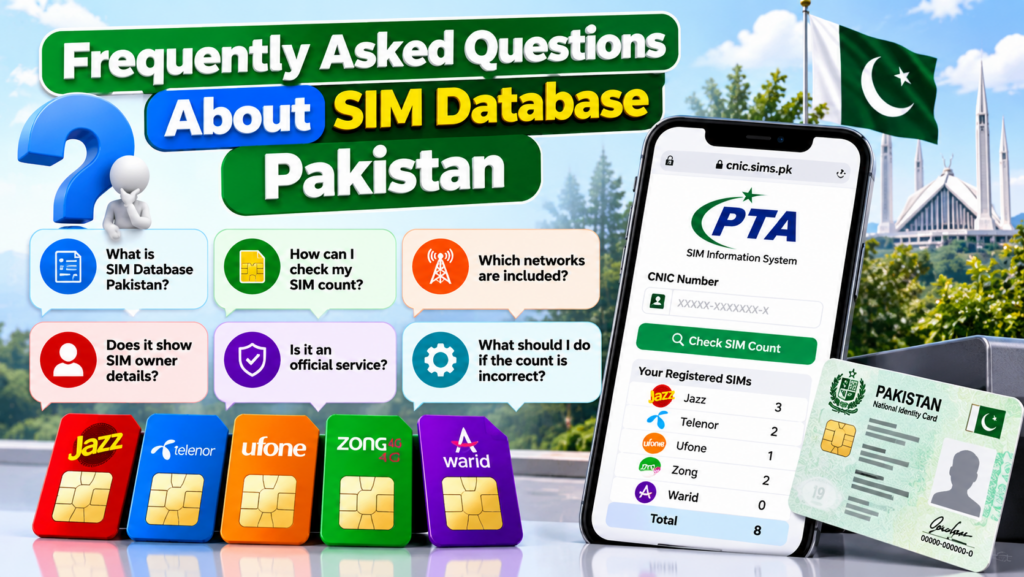
1. How can I check my SIM count in Pakistan?
Visit the official PTA SIM Information System at https://cnic.sims.pk/. Enter your own CNIC in the requested format, complete the verification prompt and review the result.
2. Is the PTA SIM Information System an official service?
The SIM Information System at cnic.sims.pk presents itself as the official self-check service for determining the total number of SIMs registered against a CNIC. Always confirm the website address before entering personal information.
3. Can I check SIMs registered against my own CNIC?
Yes. The official SIM Information System provides a CNIC-based SIM-count check. Review the result and contact the relevant operator if a registration appears unexpected.
4. Can I get a complete list of someone else’s SIM Owner Details?
You should not use an unauthorised website or leaked database to obtain another person’s private subscriber information. Respect privacy and use authorised processes for legitimate concerns.
5. Why does my SIM count seem incorrect?
Possible explanations include forgotten older connections, multiple connections, a misunderstanding of the displayed result or a record that needs investigation. Check your own records and ask the operator to clarify any unexplained discrepancy.
6. How can I check a mobile number’s network?
The PTA SIM Information System states that you can send N 03xx3456789 to 76367 to check a number’s network, following the official instructions and applicable charges. Confirm the current details on the official website before sending the message.
7. Does a SIM count reveal the caller’s identity?
No. A SIM count is not a caller-identification service and does not establish who is currently using a particular phone. For your own account, contact the operator through its authorised verification process.
8. What should I do if an unknown SIM appears against my CNIC?
Confirm the result through the official system, review your own records and contact the relevant network operator. If the issue remains unresolved, consider submitting a complaint through the PTA Complaint Management System.
9. Can an online SIM database show live location?
A standard SIM-count check does not provide a public live-location service. Be cautious of websites promising real-time tracking through a phone number.
10. Is SIM network identification the same as SIM registration verification?
No. Network identification helps establish which operator serves a number, while a CNIC-based SIM check shows the SIM count associated with the identity entered. Each serves a different purpose.
11. Can I use a SIM database to check CNIC validity?
The PTA SIM Information System notes that CNIC validity is not reflected in its SIM-count result. Use the relevant authorised identity-document service for questions about CNIC validity.
12. Where can I complain about an unresolved SIM registration issue?
First contact the relevant mobile network operator. If the matter remains unresolved, review the official PTA Complaint Management System at https://complaint.pta.gov.pk/ and follow its current instructions.
Conclusion: Use SIM Database Pakistan Safely
The SIM Database Pakistan concept is useful when it helps people understand their own mobile registrations, identify network-related information and investigate unexpected SIM counts. The most important step is choosing the right service for the question you want answered.
Use the official PTA SIM Information System to check your own CNIC-linked SIM count. Understand the difference between network identification and registration verification, and contact the relevant operator when a result needs further investigation.
If you suspect an unauthorised registration, document the issue, follow the operator’s official process and consider escalating an unresolved complaint through PTA’s complaint portal.
Most importantly, protect your CNIC and authentication codes. Do not rely on websites that promise private subscriber details, complete SIM Owner Details or live tracking without a legitimate basis.
Responsible self-checking, careful handling of identity information and the use of official channels provide a more reliable way to manage SIM registration concerns in Pakistan.
Official References
- PTA SIM Information System: https://cnic.sims.pk/
- PTA Complaint Management System: https://complaint.pta.gov.pk/
- PTA National Telecom CERT Awareness Resources: https://ntcert.pta.gov.pk/awareness.html
- Pakistan MNP Database: https://www.cnic.sims.pk/
Suggested Internal Links
Add these links naturally in the published article:
- Fresh SIM Tracker Pakistan – How to Track Your Own SIM Registration Status — link to your existing pillar article.
- SIM Owner Details Pakistan – Complete SIM Registration Guide — link to your existing SIM Owner Details article.
- SIM Database Pakistan – SIM Owner Details, PTA Check & Fake Sites Explained — link to the existing general SIM Database article, using a relevant contextual sentence.
- Fresh SIM Owner Online Check – SIM Network & Registration Status Explained — link to the supporting network-check article.
Use descriptive anchor text and link only where the destination adds useful context. The new article should remain focused on resolving unexpected SIM counts and registration concerns rather than repeating the complete general SIM Database guide.
Leave a Reply